Description
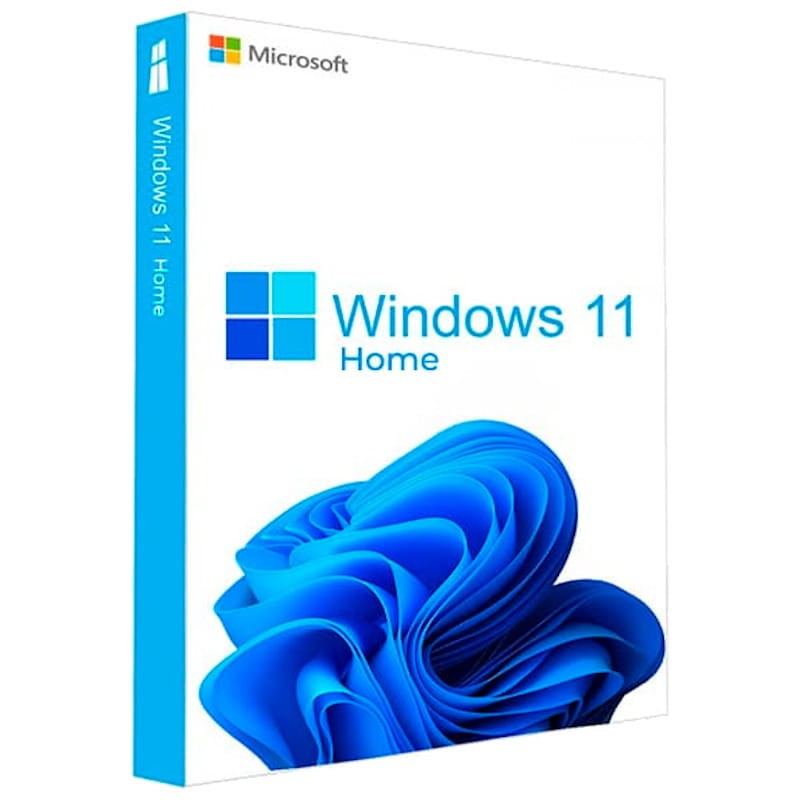
Get Windows 11 Home OEM instantly for 9.50 $. This verified release satisfies high-speed deployment needs. Bypassing retail markups directly, we deliver pristine materials. Our automated framework guarantees instant post-checkout delivery. Get Windows 11 Home OEM instantly for 9.50 $. Acquired under strict evaluation, this untouched file stands out. This certified product grants full access without restrictions. Validated codes dispatch via our automatic fulfillment engine. We company procure all licenses through clean clear-channel networks safely. Built to modern standards, this asset delivers elite utility. Expect fast delivery sequences right onto your active monitor.Get Windows 11 Home OEM instantly for 9.50 $. Expect fast delivery sequences right onto your active monitor.
– This key can be used only once per PC/motherboard.
– We suggest using the automated phone system in order to activate your code.
Get up to the standard for home PC operating systems! Purchase Windows 11 Home Key from a trusted provider and at a special price.
Windows 11 Home edition is the latest version of the most popular OS in the world. Perfect for gaming, online browsing, social media activity, streaming, and much more. Optimized and with new features, including advanced security measures, this is a must-have software for any home computer.
This newest version of Windows includes parental controls, internet protection, Windows Information Protection, and a set of popular pre-configured apps to get you up to speed with your favorite online services. It’s great for both learning and entertainment. Get it today!
Features
- Improved, easy to navigate interface
- Optimized performance
- Perfect for gaming
- Build for online connection and social interactions
- Includes PowerPoint, Edge, Teams and other useful apps
- To download Windows 11 visit this page : https://www.microsoft.com/en-us/software-download/windows11
- During installation, you’ll be prompted to enter a product key. Or, after installation, to enter the product key, select the Start button, and then select Settings > System > Activation.
- If you encounter any errors during activation process, check this troubleshooter : https://support.microsoft.com/en-us/windows/get-help-with-windows-activation-errors-09d8fb64-6768-4815-0c30-159fa7d89d85








































Reviews
There are no reviews yet.