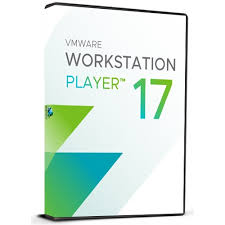
Description
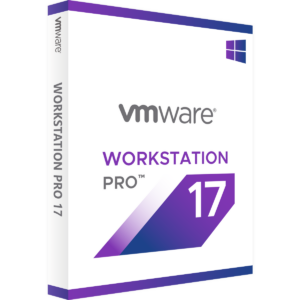
Get VMware Workstation 17 Player (1 Device, Lifetime) instantly for 2.96 $. Built to modern standards, this asset delivers elite utility. Bypassing retail markups directly, we deliver pristine materials. Expect fast delivery sequences right onto your active monitor. Get VMware Workstation 17 Player (1 Device, Lifetime) instantly for 2.96 $. Acquired under strict evaluation, this untouched file stands out. This verified release satisfies high-speed deployment needs. Expect fast delivery sequences right onto your active monitor. Bypassing retail markups directly, we deliver pristine materials. This official retail build ensures stable framework execution. Our zero-delay pipeline provisions your product after checkout.Secure your key for VMware Workstation 17 Player (1 Device, Lifetime) at 2.96 $. Validated codes dispatch via our automatic fulfillment engine.
VMware Workstation Player is a streamlined desktop virtualization application that runs one or more operating systems on the same computer without rebooting. With its simple user interface, unmatched operating system support and portability, it’s now easier than ever for IT professionals to get their users up and running with a corporate desktop.
VMware Workstation Player paid license allows you to use this product for commercial use.
Key Features :
– The best way to learn about Virtualization, Operating Systems, Containers, Kubernetes, or the VMware ecosystem
– Choose from hundreds of support Guest and Host OS’s
– Now supporting Windows 11 as well as 10 and major Linux distributions
– Run VMs alongside Hyper-V, WSL2, Device Guard and Credential Guard features of Windows
– Enhanced 3D graphics support for DirectX 11 and up to 8GB of vGPU Memory
– Build, Push, Pull and Run OCI Container Images with the vctl CLI
Run restricted virtual machines created by Workstation Pro or Fusion Pro
– Continue to run Windows XP or Windows 7 in a virtual environment on modern hardware
– Purchased licenses enable EULA compliance for running in a commercial environment
Activation guide :
Download and install the latest version from : https://www.techspot.com/downloads/1969-vmware-player.html
Enter the key after the installation to activate the license.




























































Reviews
There are no reviews yet.