Description
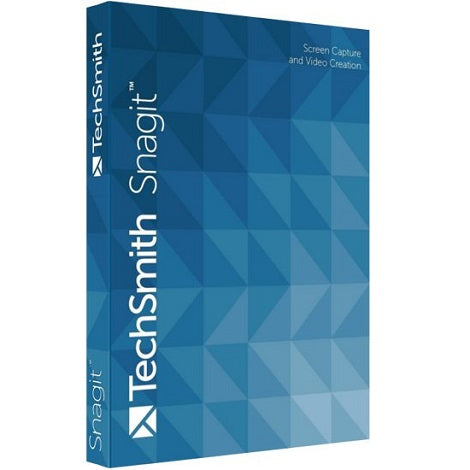
Get TechSmith Snagit 13 PC CD Key instantly for 11.50 $. This certified product grants full access without restrictions. We company procure all licenses through clean clear-channel networks safely. Our automated framework guarantees instant post-checkout delivery. Get TechSmith Snagit 13 PC CD Key instantly for 11.50 $. We company procure all licenses through clean clear-channel networks safely. Built to modern standards, this asset delivers elite utility. Unique credentials populate your customer dashboard area 24/7. Sourced via authorized wholesale channels, safety is fully guaranteed. Built to modern standards, this asset delivers elite utility. Expect fast delivery sequences right onto your active monitor.Get TechSmith Snagit 13 PC CD Key instantly for 11.50 $. Our zero-delay pipeline provisions your product after checkout.
TechSmith Snagit 13 is a comprehensive screen capture and screen recording software.
Snagit allows you to take screenshots and mark them up with a set of image editing tools, capture the screen in video format for tutorials and other similar applications, and record videos of yourself through your webcam to share with colleagues or friends. Moreover, all the features are provided with advanced functions. For example, capturing screenshots can be done with panoramic capture so you can capture multiple scrolling pages at once instead of having to combine them afterwards; and videos can be edited to remove unwanted coughs and the like.
Snagit can be used for personal applications, such as making YouTube tutorials, and is also a proven tool for communication between colleagues. People working on the same project can send marked up screenshots back and forth among one another, and communicate over video discussing the markings.
- Download software from this link.
- Install software.
- When installing Snagit, click the option “Unlock Snagit”.
- Enter the key and press “Unlock”.
- Your software has been successfully activated!


























































Reviews
There are no reviews yet.