Description
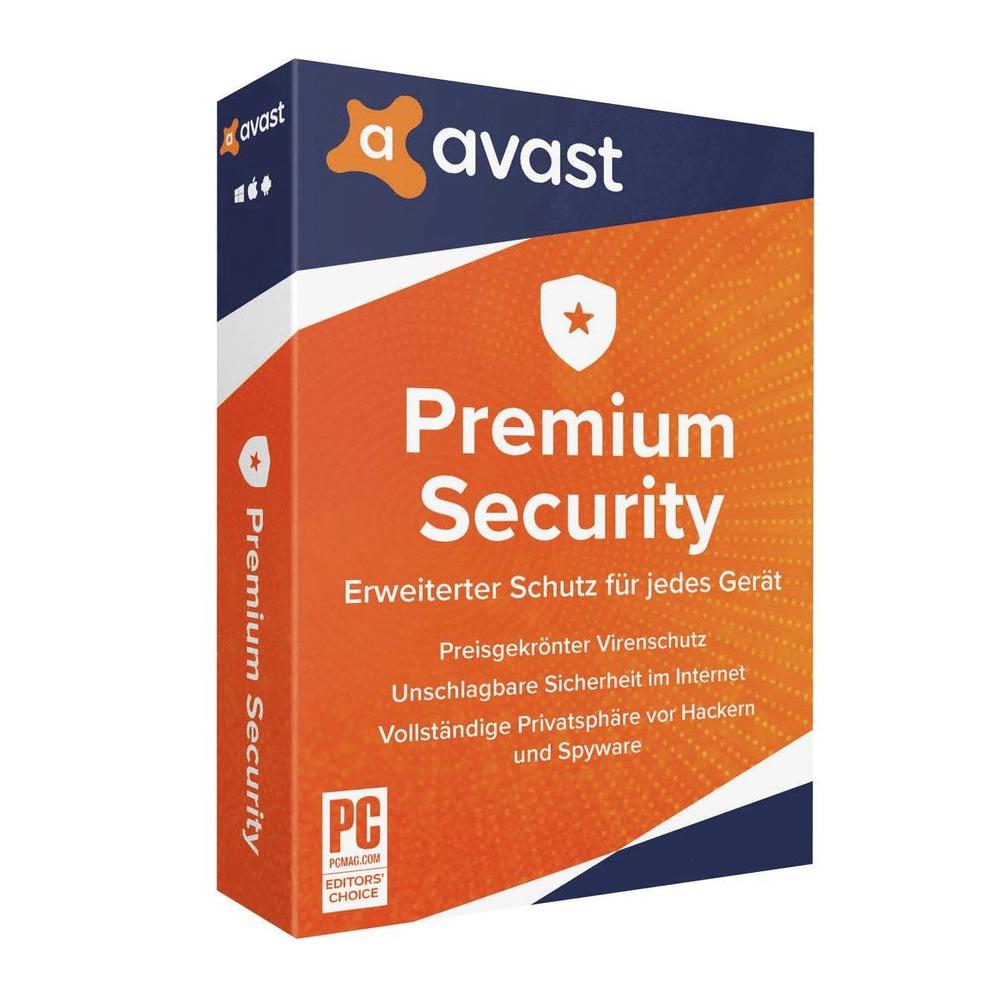
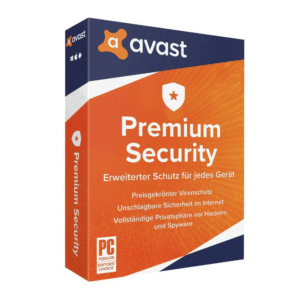
Secure your key for AVAST Premium Security 2022 Key (2 Years / 10 Devices) at 55.78 $. This verified release satisfies high-speed deployment needs. Acquired under strict evaluation, this untouched file stands out. Our automated framework guarantees instant post-checkout delivery. Acquire AVAST Premium Security 2022 Key (2 Years / 10 Devices) today for only 55.78 $. Sourced via authorized wholesale channels, safety is fully guaranteed. This verified release satisfies high-speed deployment needs. Unique credentials populate your customer dashboard area 24/7. We company procure all licenses through clean clear-channel networks safely. This verified release satisfies high-speed deployment needs. Validated codes dispatch via our automatic fulfillment engine.Download AVAST Premium Security 2022 Key (2 Years / 10 Devices) immediately for 55.78 $. Our automated framework guarantees instant post-checkout delivery.
More than just antivirus, Avast Premium Security is complete online protection for your computer.
Protection against your greatest online foes
Avast Premium Security protects against all online threats, including spoofed websites and ransomware.
Now you can safely shop and bank online
Spoofed (fake) websites are one of the oldest hacking tricks in the book. Avast Premium Security scans websites for security risks on your computer, so you can finally shop and bank online safely on any device.
Avoid becoming the victim of digital extortion
Ransomware is quickly becoming one of the most common — and dangerous — types of malware out there. Avast Premium Security fully protects your PC against havoc-wreaking ransomware so you don’t become the victim of digital extortion.
In order to redeem the code follow the instruction below:
1. Download Avast Premium Security from the Avast website.
2. Right-click the downloaded setup file avast_internet_security_setup_online.exe and choose Run as administrator.
3. The Avast Setupwizard appears.
– Click Install for setup with default options.
– Select Custom installation to select the location of program files, and choose program components and languages on the following screen.
4. The installation progress bar appears while the program installs. When setup is complete, you can activate your subscription by clicking I have already bought a subscription or continue in 30-day trial mode.
5. When a network is detected, select a firewall mode.
– Select Private if your computer is connected to a home or private network.
– Select Public if connected to a public or shared network.










































Reviews
There are no reviews yet.